
Run the service
Table management and floor plan
Add your tables and zones once. BookingElf's table management shows them on a floor plan, coloured by status, so staff can see which tables are free at a glance.
What you can do
Add tables and seats
Set each table's seat count once and reuse it every service.
Group tables into zones
Split the room into areas such as inside, outside or the bar.
Join tables for groups
Mark which tables can join so staff can seat bigger groups across them.
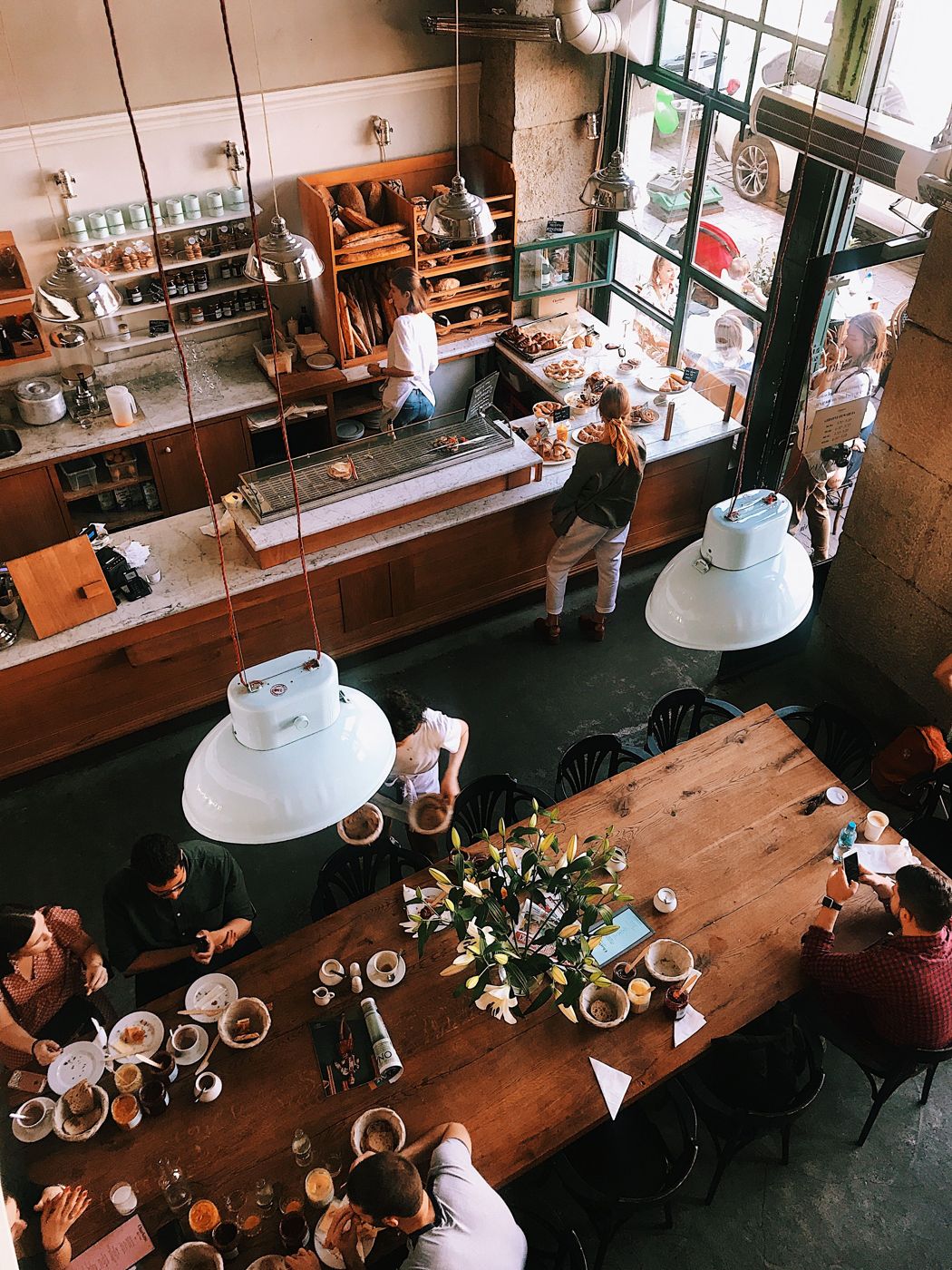
Overhead floor plan views
The floor plan shows tables where they sit in your venue, coloured by status.
See every seat
Seat markers on each table show how many guests it holds.
Block a table
Take a table out of use for a day or a time slot.
Questions
Can large groups sit across joined tables?
Yes. Mark which tables can join so staff can seat bigger groups across them.
Does it work on a tablet?
Yes. BookingElf runs in the browser on tablets, phones and computers.
Can I set up outdoor tables separately?
Yes. Put them in their own zone.